
Canonical pages
11
Media Desk
Press Kit
Use this desk to pull first-party stills, confirm which clips are public, and cite the right canonical URLs.
Canonical pages
11
Press-ready stills
11
Public clips
10
Canonical Pages
Use these URLs when citing product behavior, pricing, rollout status, and feature framing.
AI Coach
Clash Coach Ai gives Clash Royale players an AI coach that reviews battles, surfaces recurring mistakes, and turns replay history into a next-session plan you can actually use.
Plans and Value
Clash Coach Ai keeps the pricing simple: Free to try the workflow, Plus for consistent premium use, and Elite for unlimited review with instant profile refresh.
How It Works
The workflow is simple by design: connect your player tag, sync recent matches, review the highest-impact mistakes, and use the profile plus deck tools to decide what to fix next.
Coming Soon
This page uses a scripted gameplay walkthrough to show the intended timestamped review style honestly while the live product stays battle-log first today.
Battle Log Sync
What battle-log sync is and what data it pulls into the app
Matchup Insights
What matchup insights are in the live app
Deck Builder
What the deck builder workspace includes
Key Moments & Fixes
What key moments and fixes means in the live review flow
Pattern Recognition
What pattern recognition means in the live product
Player Profile
The player-profile layer turns a pile of recent matches into strengths, weaknesses, matchup tendencies, and deck usage patterns that are easier to act on.
Deck Analysis
Clash Coach Ai checks the deck you actually use for archetype fit, curve, strengths, weaknesses, and the biggest structural issues before you start changing cards.
Live Media Library
Every asset below maps back to a canonical page, and clips only show up when that page explicitly allows press-kit exposure.
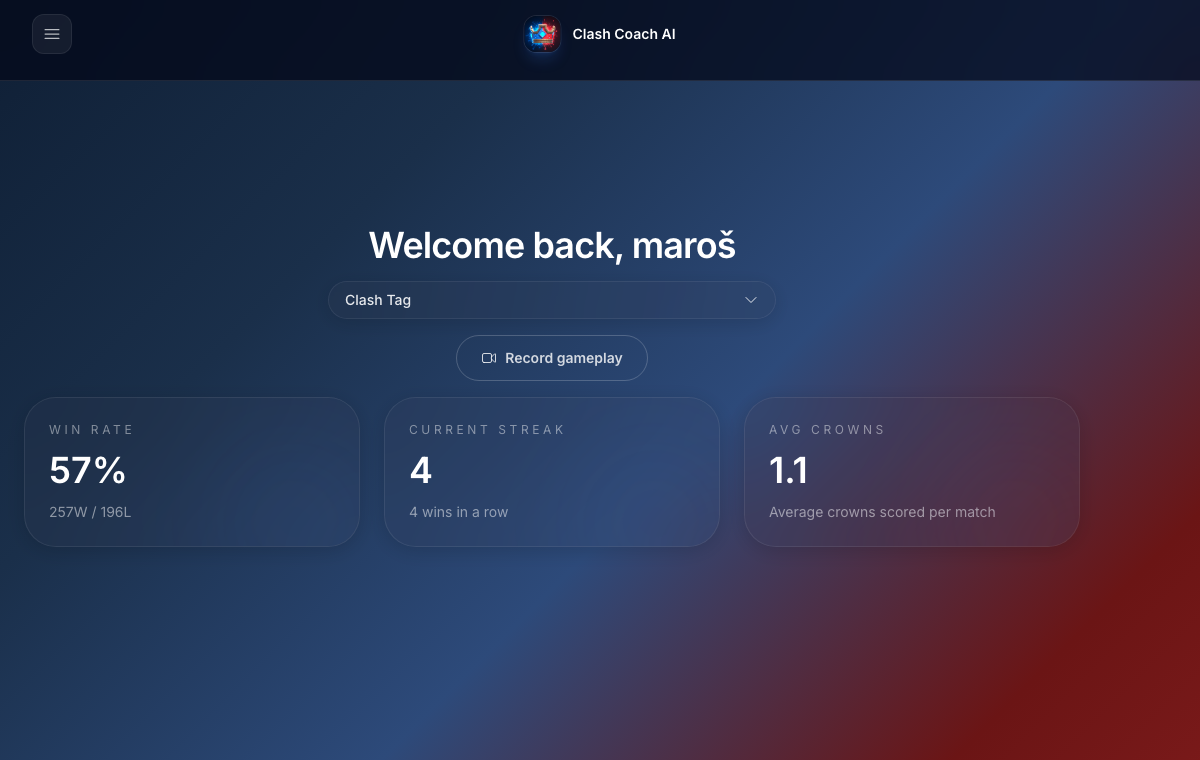
Live battle-analysis capture from the current app flow, used here so the page shows the real product instead of a generic placeholder.
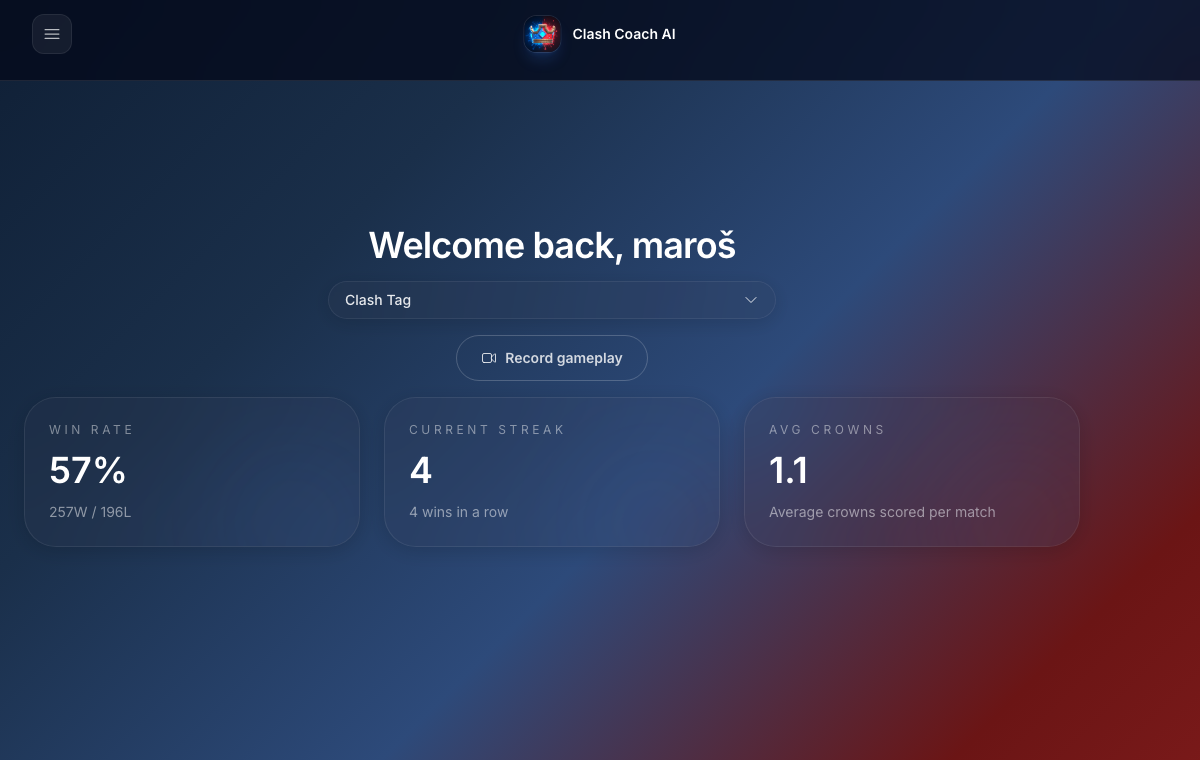
Live usage-and-plans capture from the product, showing the part of the app this pricing page is actually talking about.
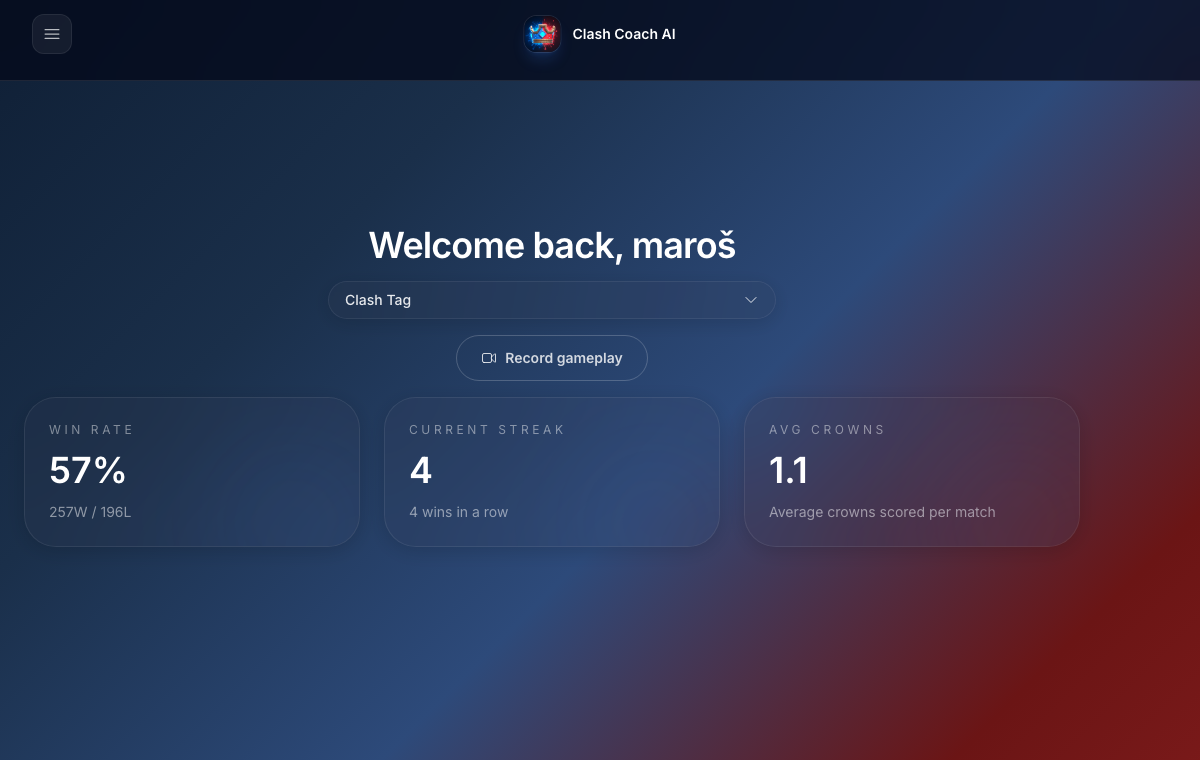
Live dashboard capture that anchors the workflow page in the real sync-and-review loop players use today.
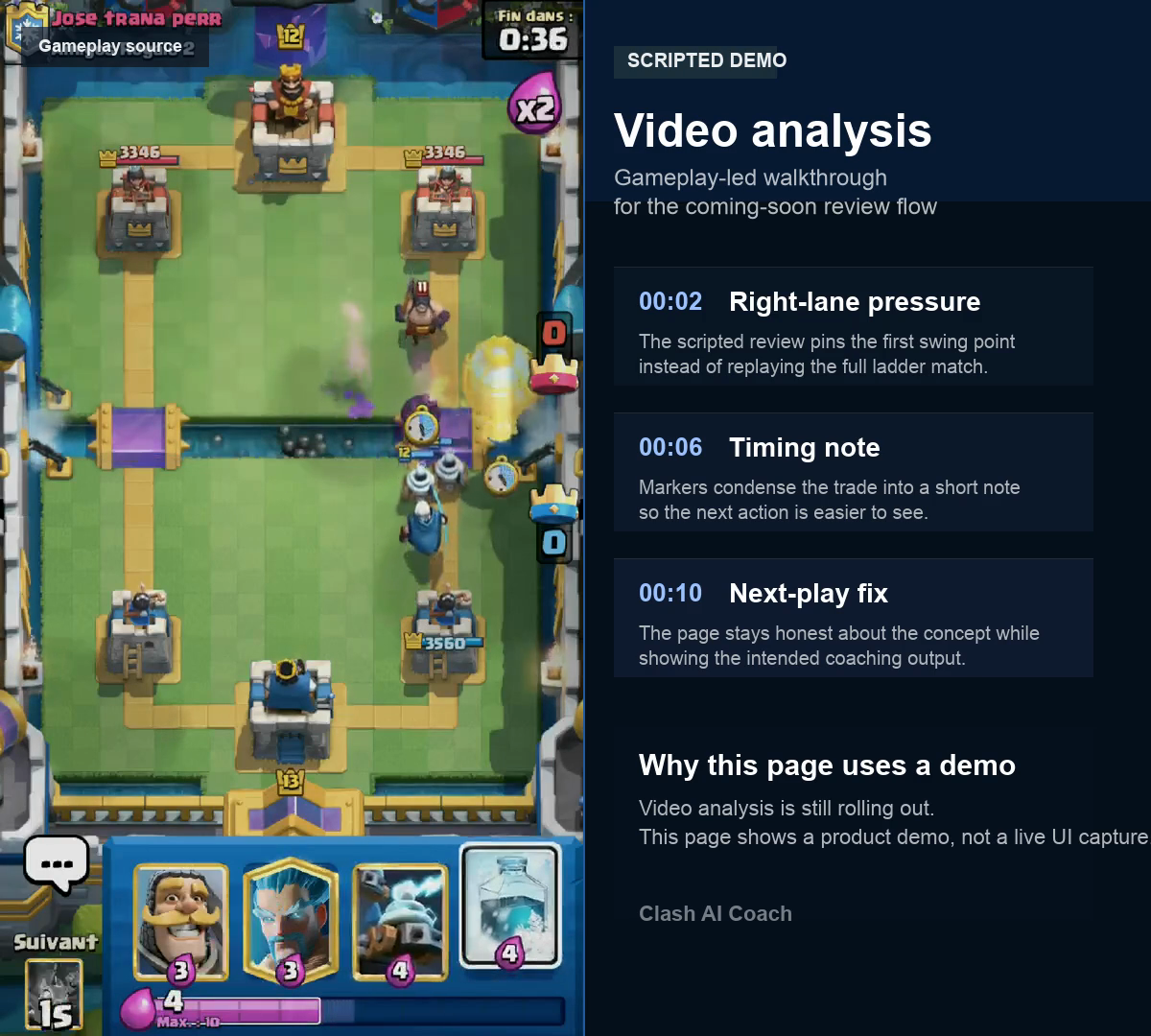
Scripted gameplay walkthrough showing the intended video-analysis style with timestamps and coaching notes.
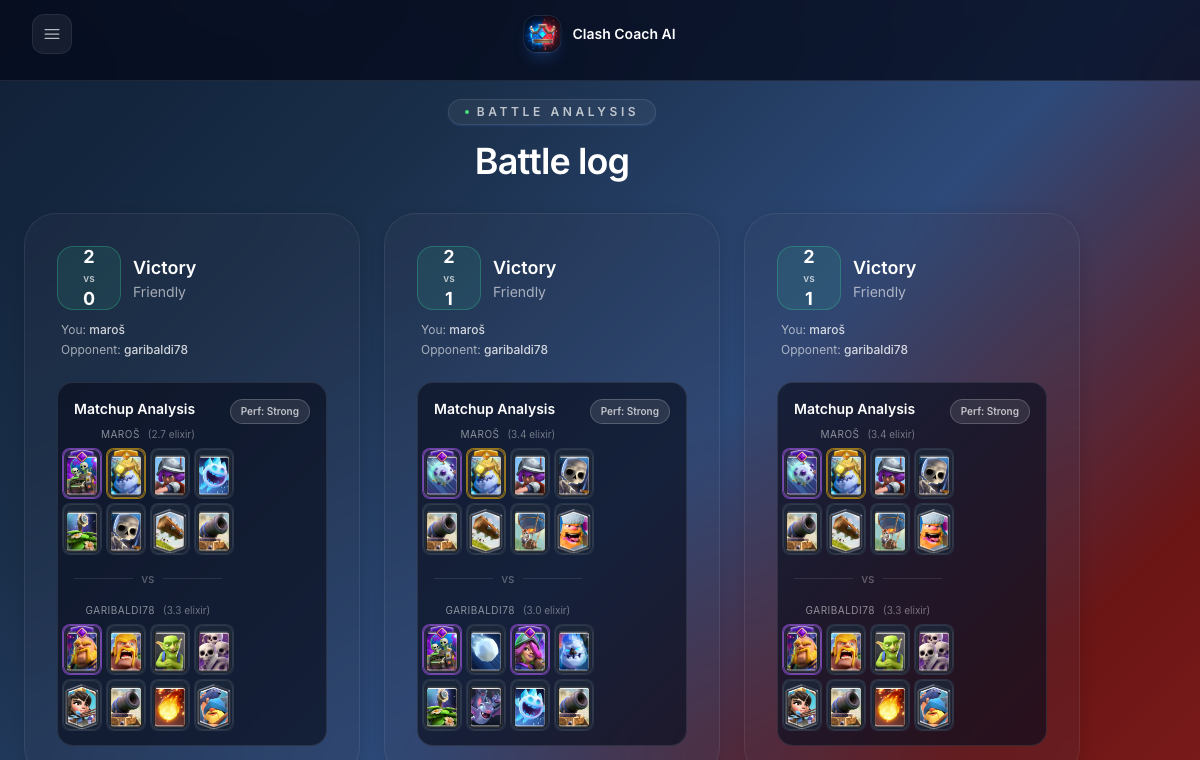
Real battle-log dashboard capture used as the proof image for the sync flow.
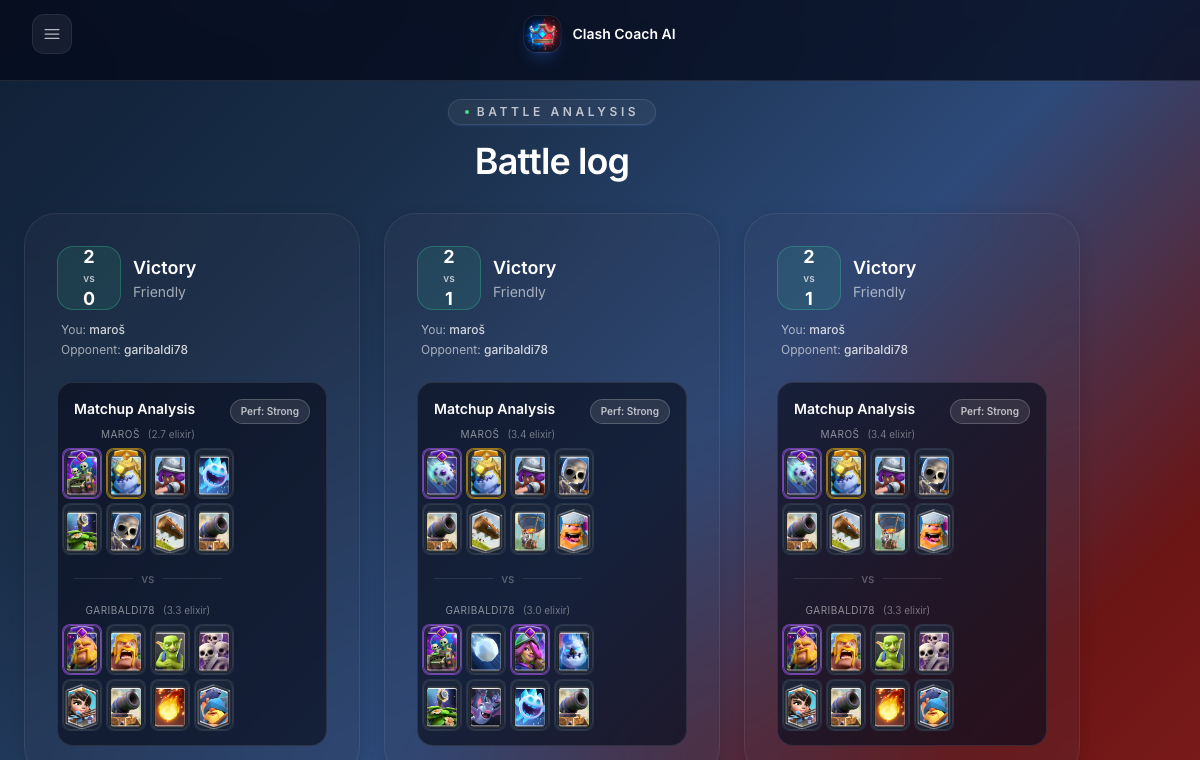
Live battle-review capture used to show how matchup context is explained in the app.
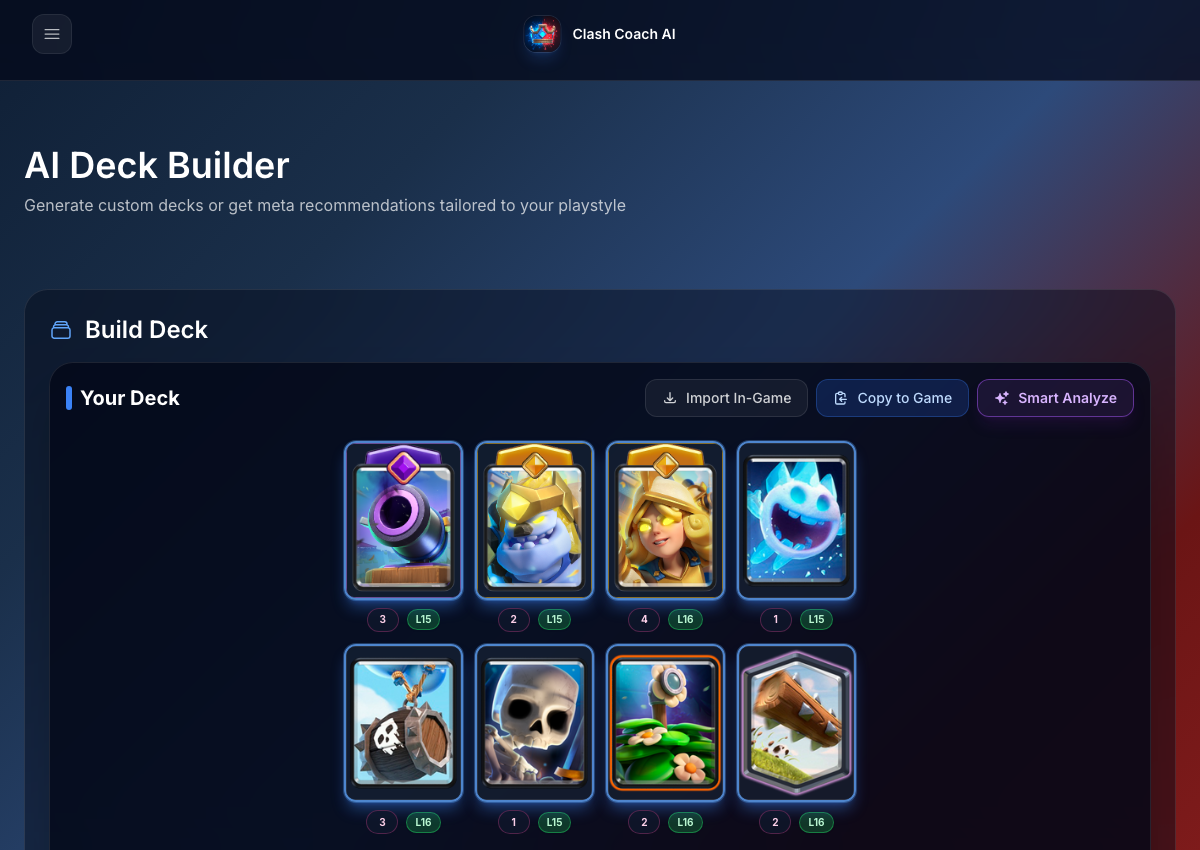
Real deck-workspace capture used as the primary still for the deck builder explainer.
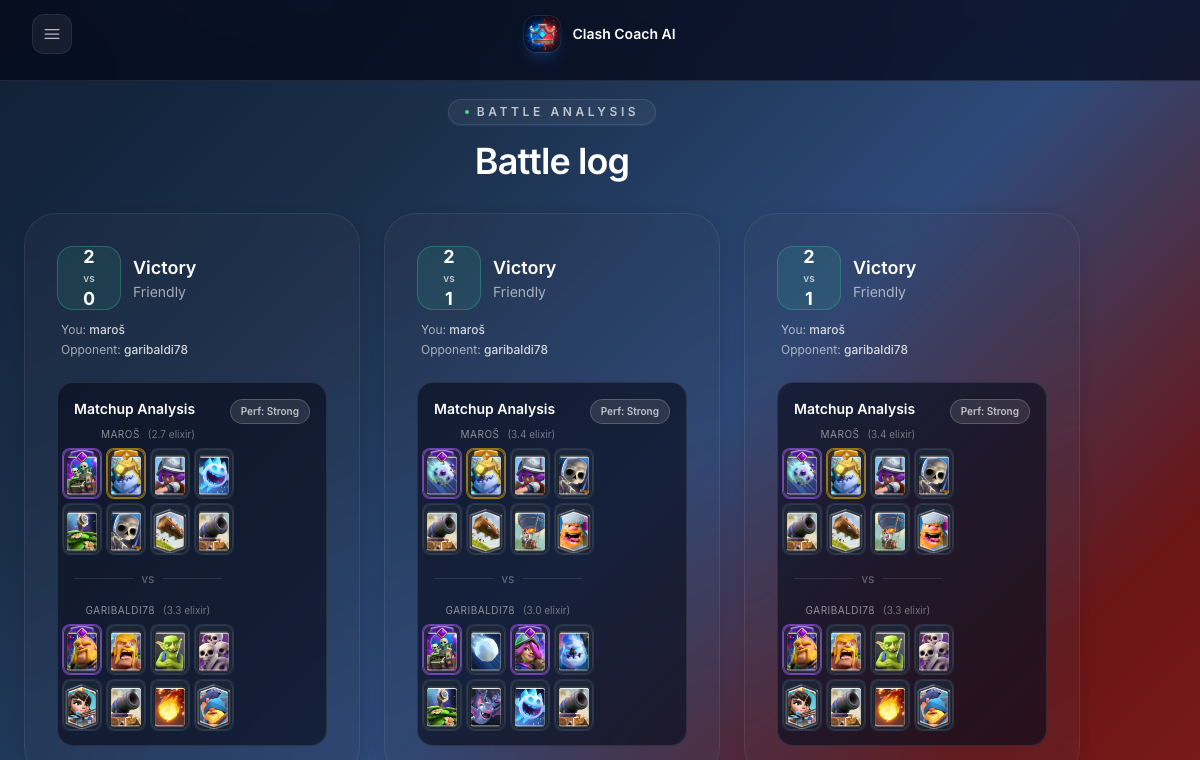
Live battle-review capture used to show decisive moments and the next fixes in context.
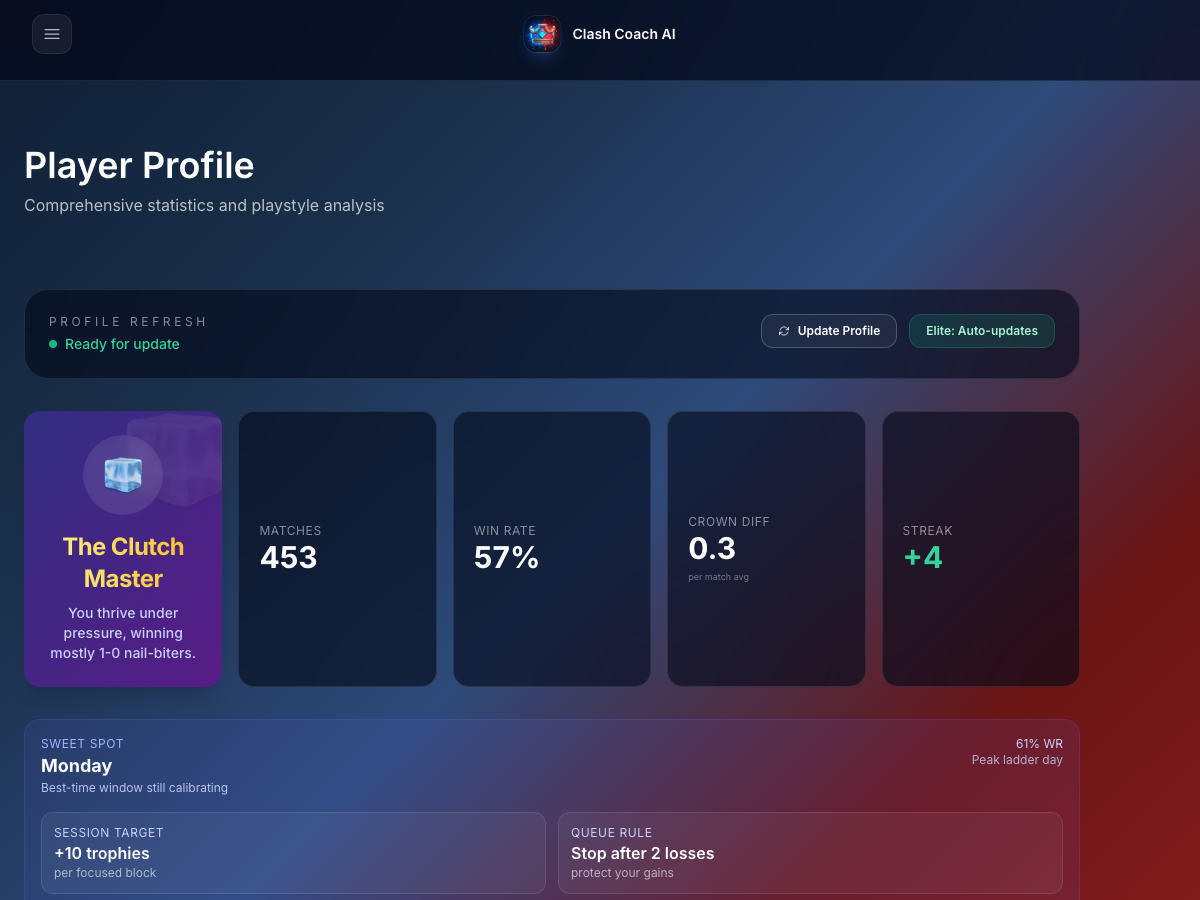
Real player-profile capture used to show the trend and recurring-pattern layer.
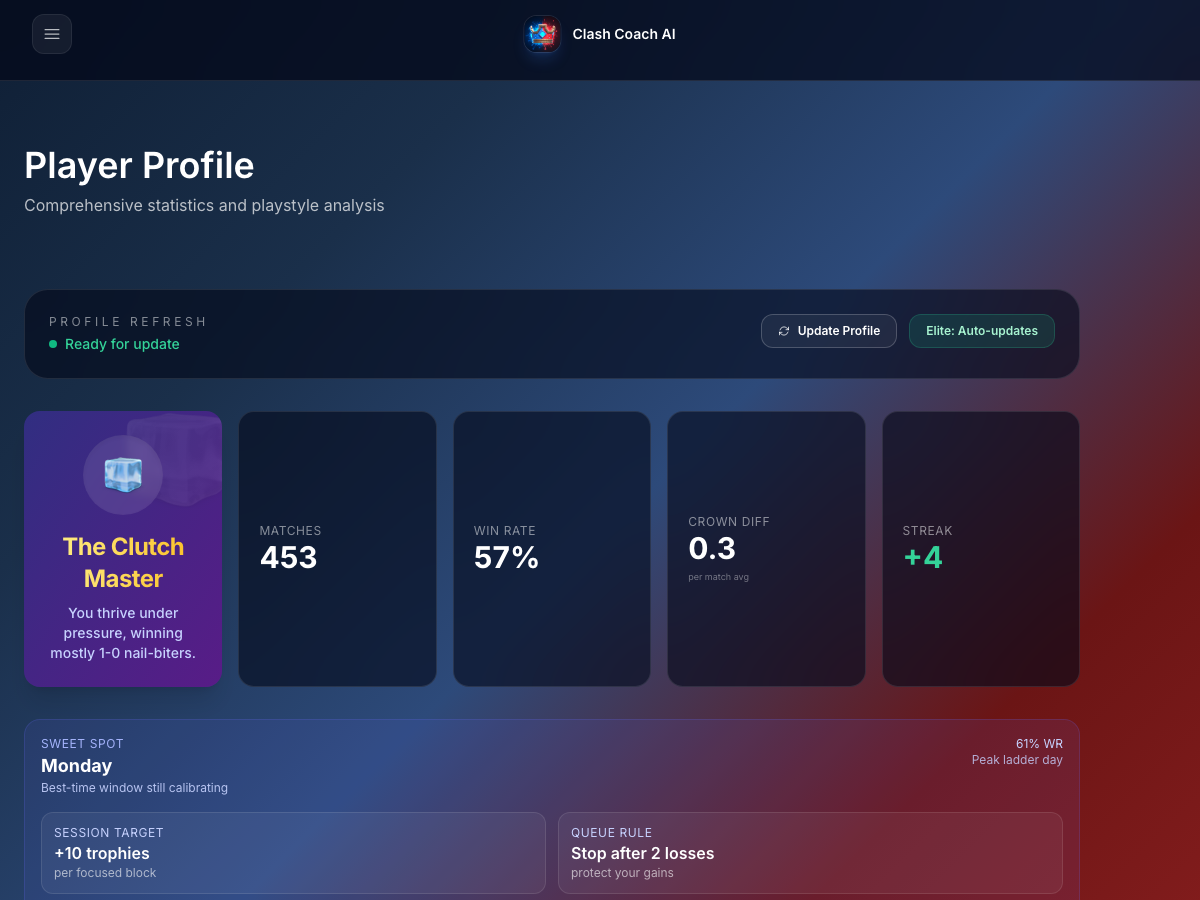
Live profile capture showing the actual interface behind the refresh, overview, climb-plan, and trend claims on this page.
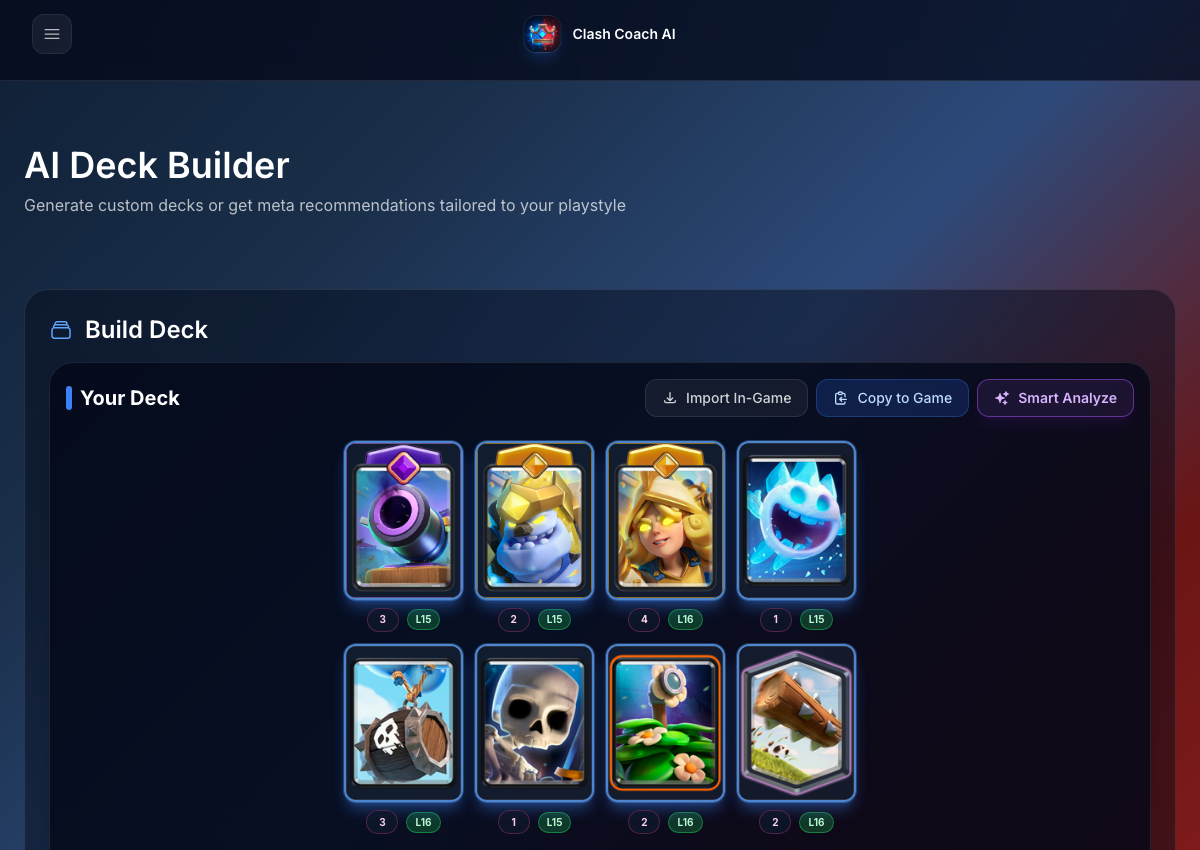
Live deck-workspace capture showing where deck analysis fits inside the current app.